How to use separate work and personal Google accounts on one Mac
Use one browser profile per account (Chrome — Work, Chrome — Personal), then let BroSwitch send each link to the profile that is signed in, and each email address to the matching Gmail account.
Without extra software
- In Chrome, click your profile picture › Add and create a profile for each Google account.
- Sign in to the work account only in the work profile, and the personal account only in the personal one.
- Each time, remember which window to click into before opening a link.
With BroSwitch
- Create the two profiles as above.
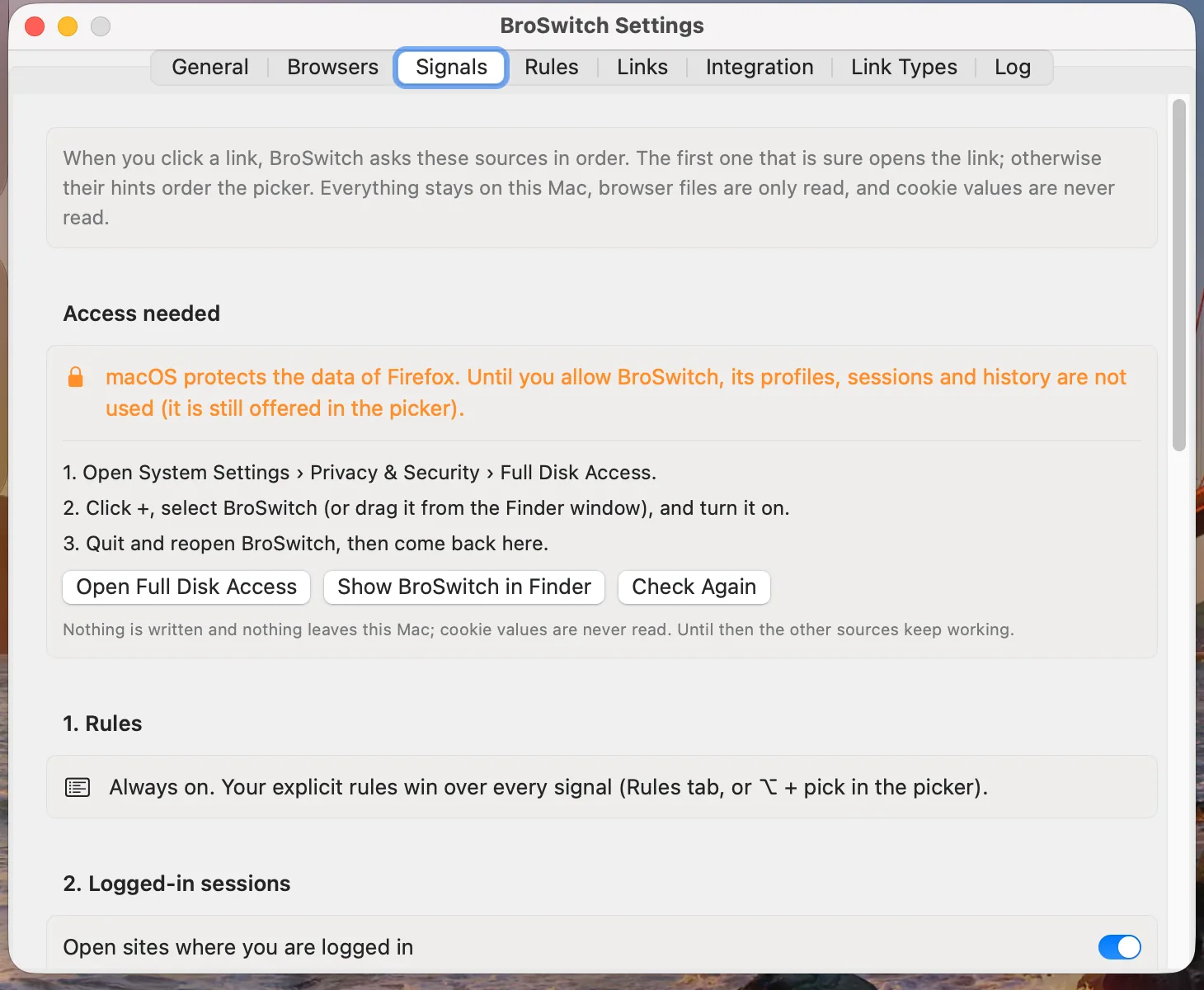
- Make BroSwitch the default browser. It sees which profile is signed in to each site and opens links there.
mailto:links open a menu to write from Gmail as either account (or a mail app); the account used for a recipient’s domain is remembered.
Watch it
Questions
- What if both profiles are signed in to the same site?
- The picker asks, with the profile you used most recently on that site first. Remember the choice once and it sticks.