See BroSwitch at work
Ten short videos filmed on a clean Mac. Each one has a narration and subtitles in 10 languages: pick them under the player.
Install BroSwitch
Download, drag to Applications, make it the default browser.
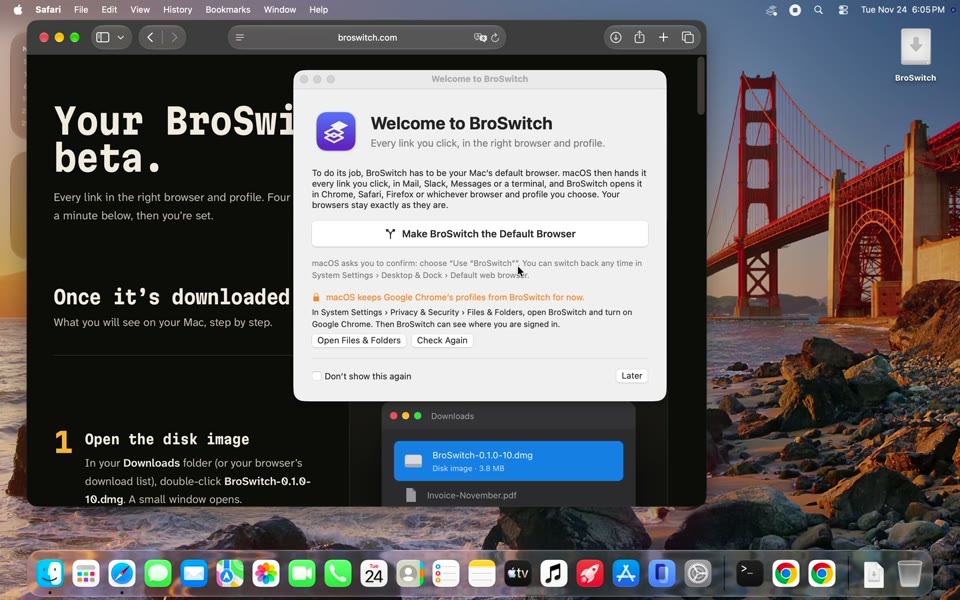 01Install BroSwitchDownload, drag to Applications, make it the default browser.
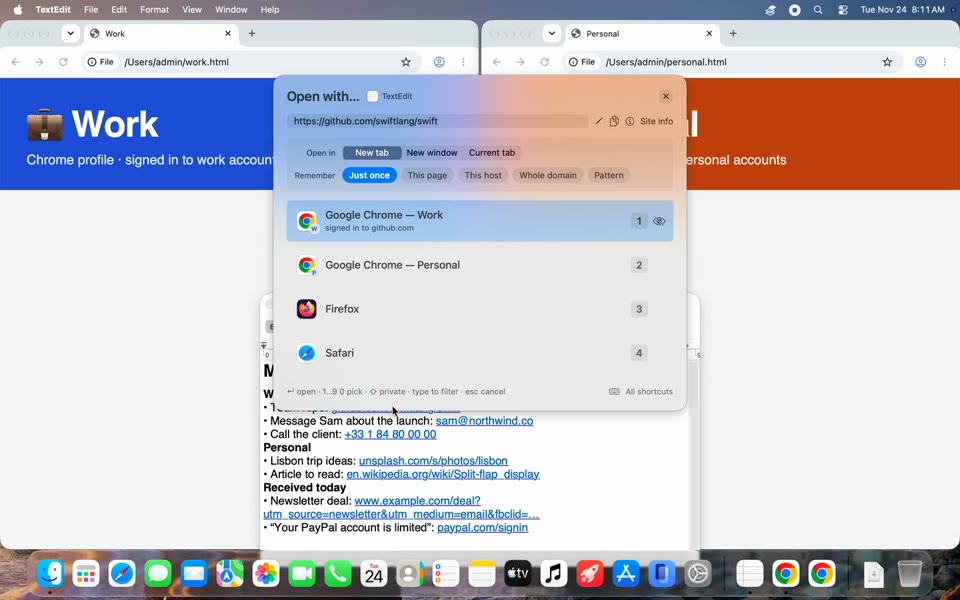 02The right Chrome profile, automaticallyWork links open in Work, personal ones in Personal; unknown ones ask.
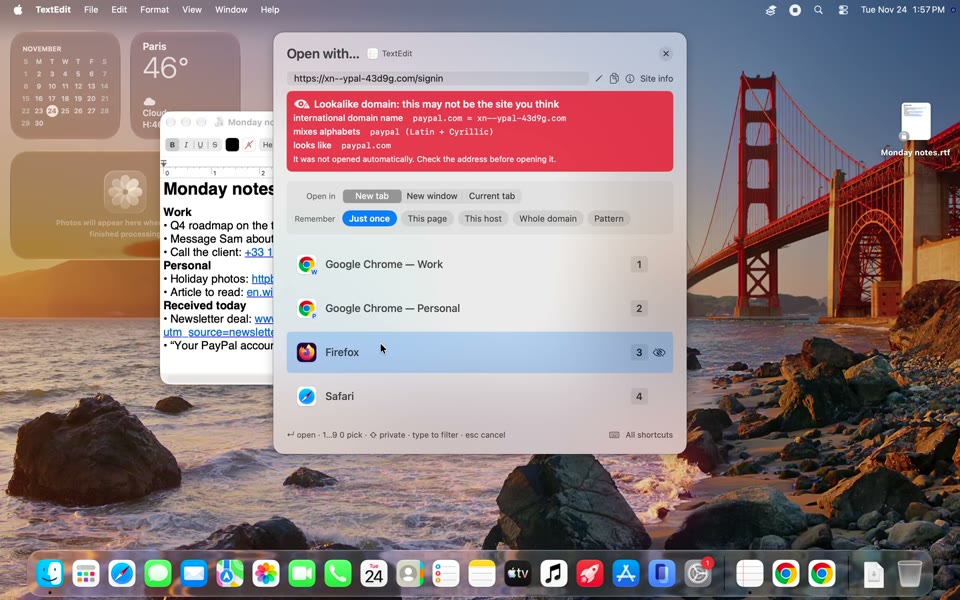 03A phishing link, held backA lookalike PayPal address is stopped before it opens.
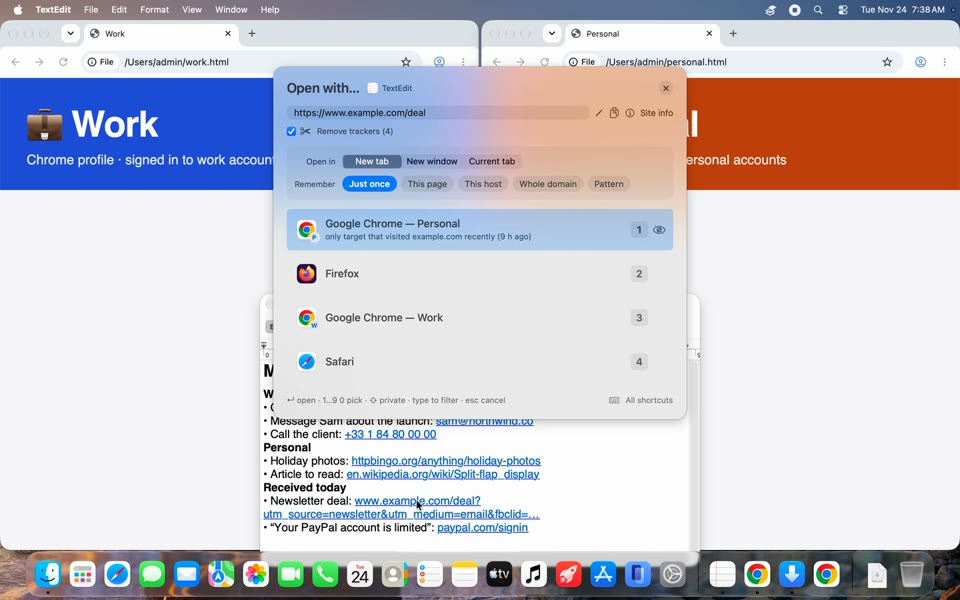 04Tracking tags removedutm_ and fbclid are stripped before the browser sees the link.
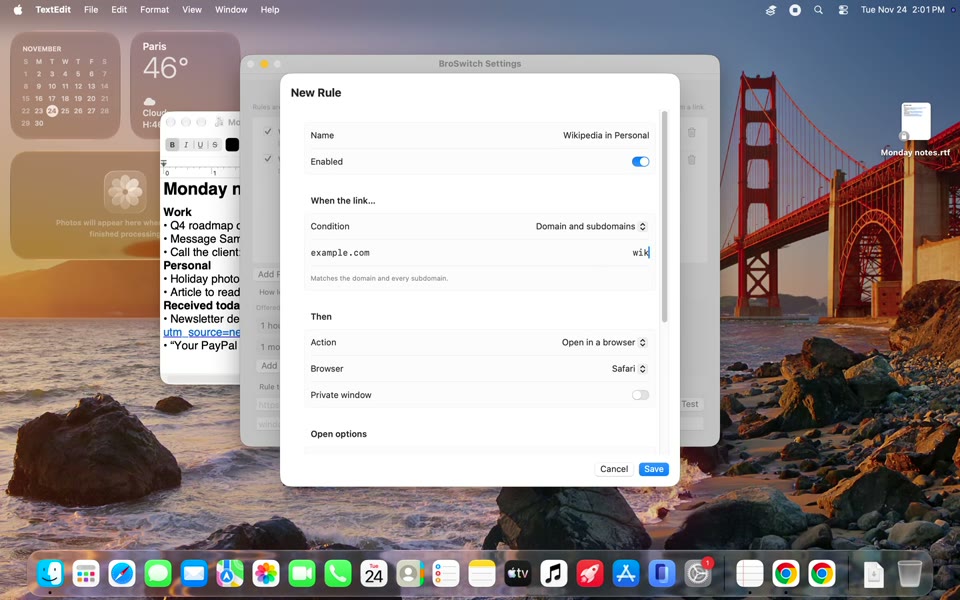 05Your own rulesSend a site to a browser or profile, every time.
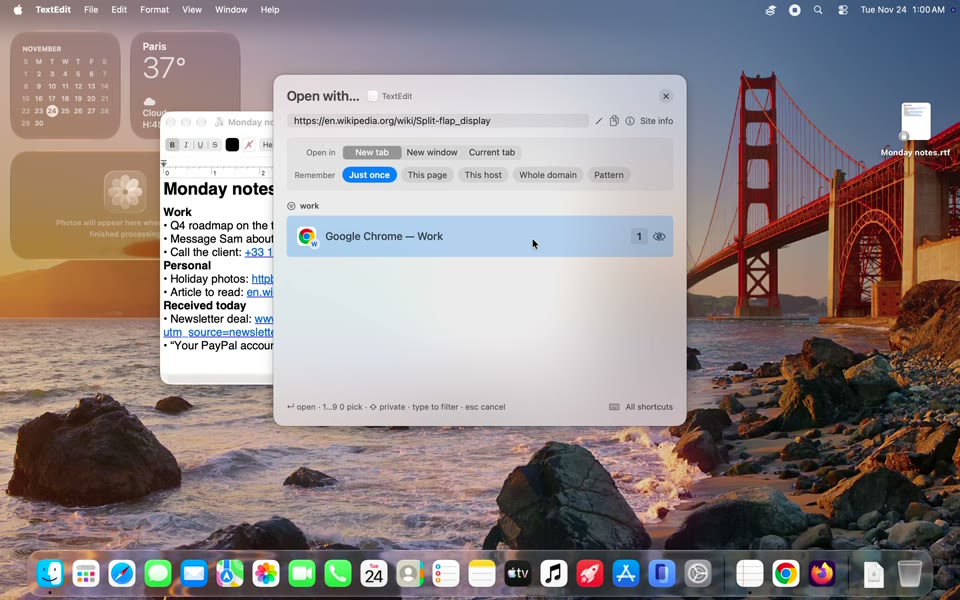 06A private window in one clickOpen any link in a private window; nothing is remembered.
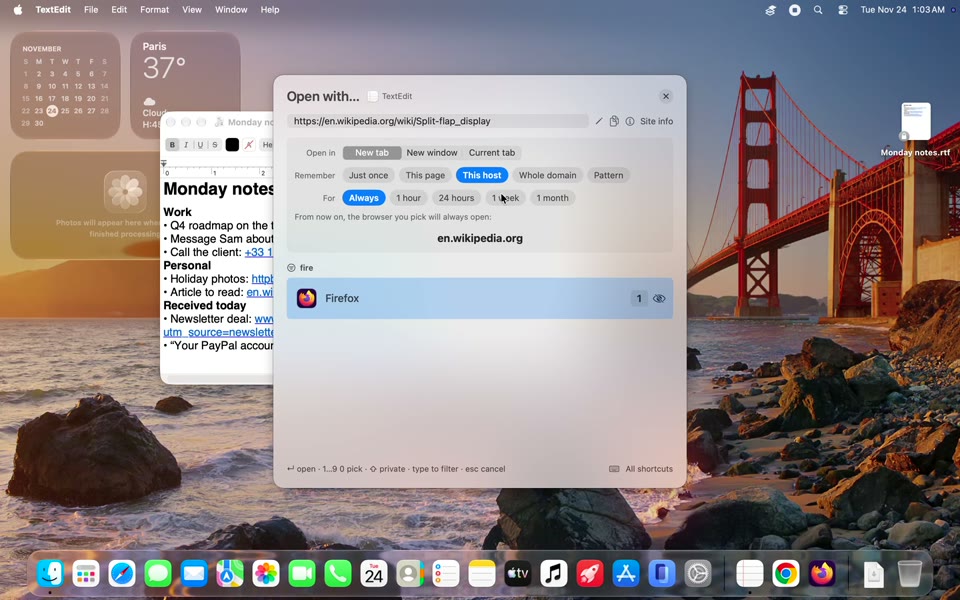 07Remember a choice for a weekFor a page, a host or a domain; for an hour, a week or always.
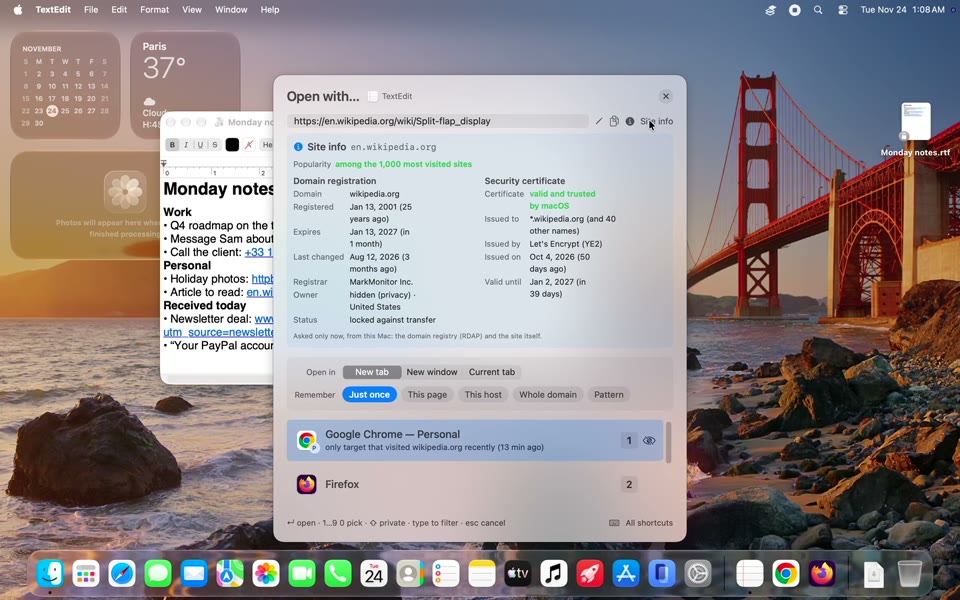 08Check a site before opening itDomain age and security certificate, right in the picker.
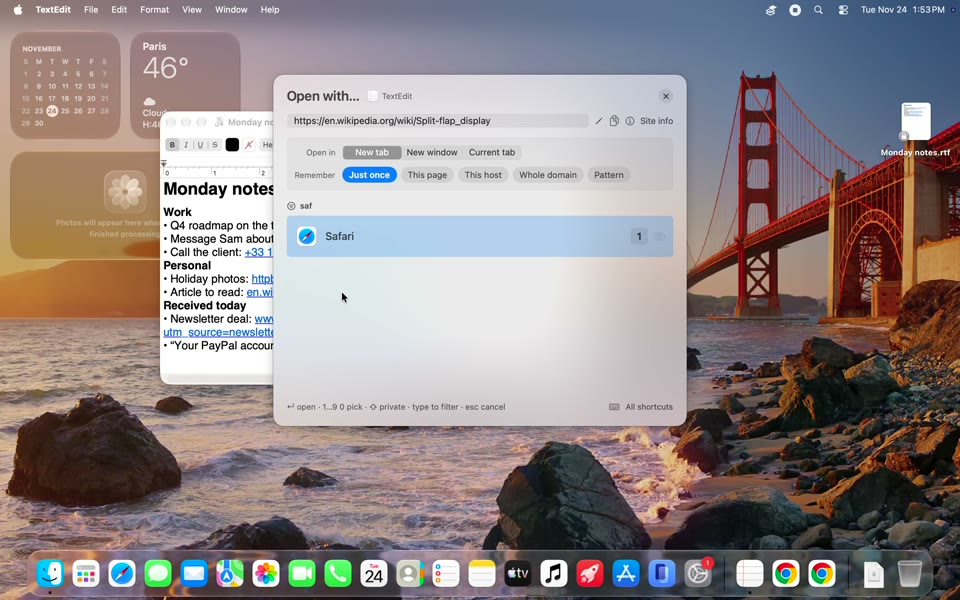 09Keyboard onlyType to filter, press Return: no mouse needed.
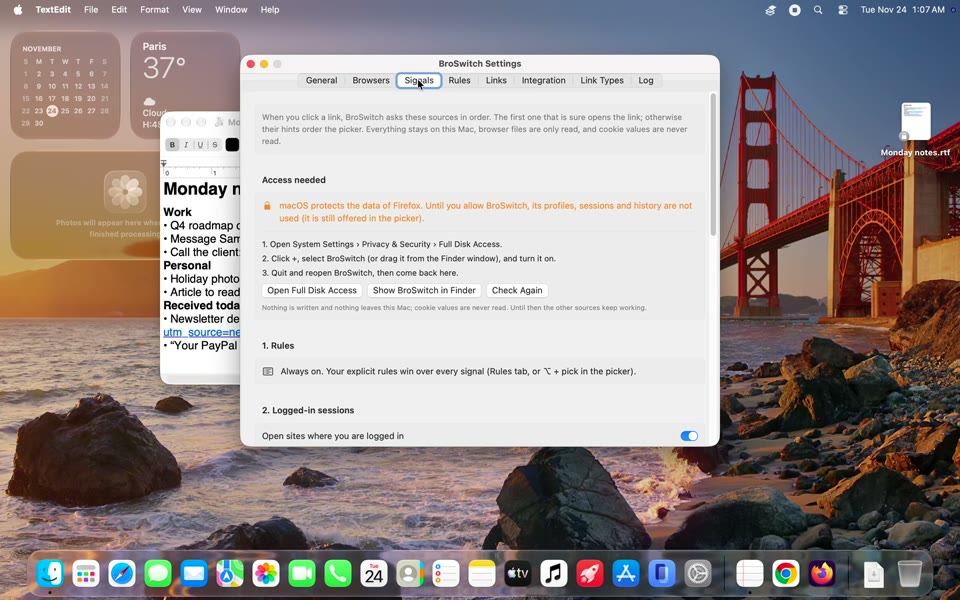 10Everything stays on your MacWhat BroSwitch reads to decide, and the settings for links.