How to change the default browser on Mac
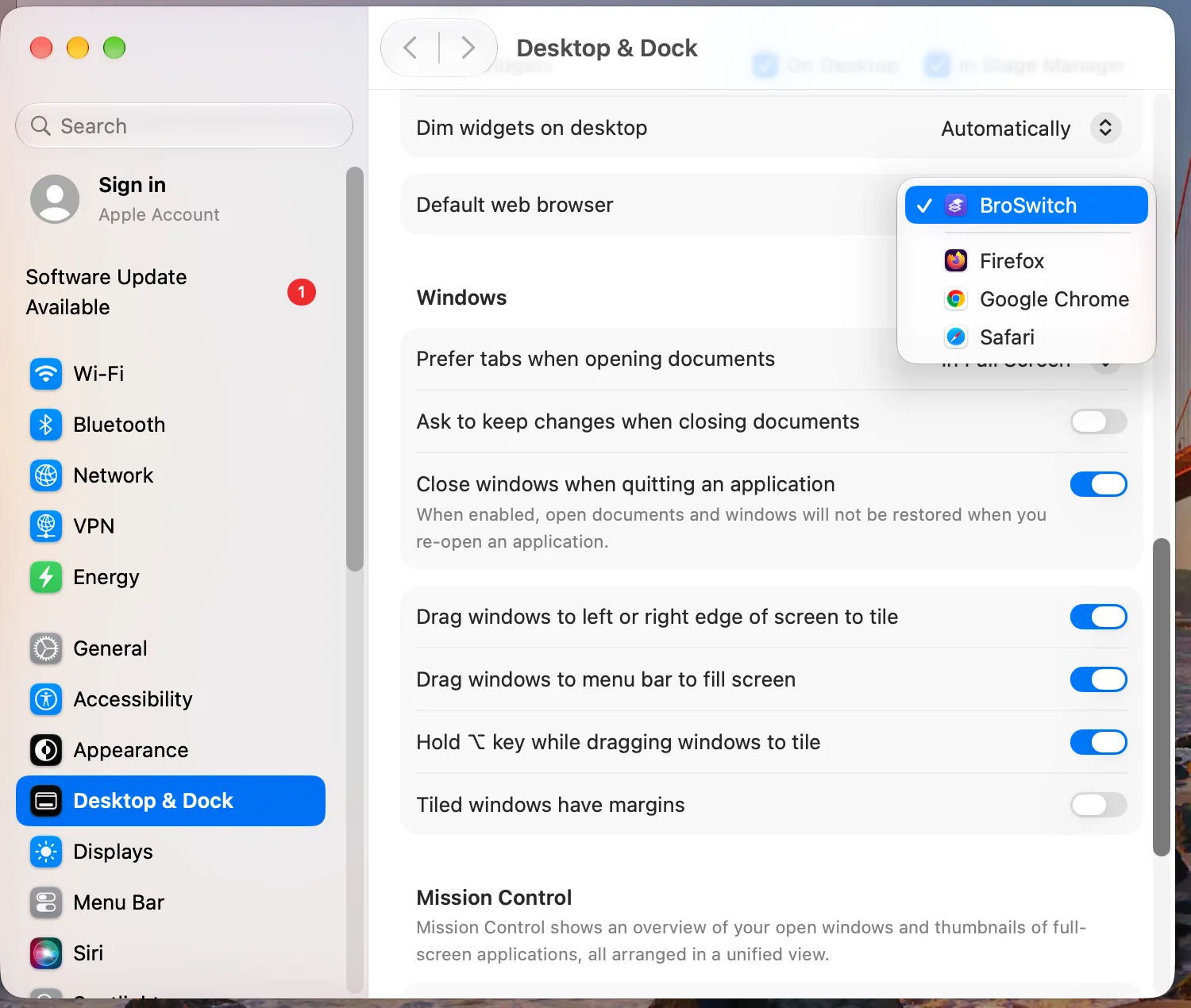
Open System Settings › Desktop & Dock and pick a browser under Default web browser. If you use several browsers or profiles, choose a link router such as BroSwitch there instead.
Without extra software
- Open System Settings › Desktop & Dock.
- Scroll to Default web browser and choose a browser in the menu.
- Most browsers can also ask you: answer Use “…” in the macOS dialog.
With BroSwitch
- Choose BroSwitch there (or click Make BroSwitch the Default Browser in its welcome window).
- Your browsers stay as they are; BroSwitch decides, link by link, which one opens.
To go back, choose another browser in the same menu at any time.
Watch it
Questions
- Why does macOS ask me to confirm?
- macOS always asks before an app becomes the default browser, so no app can take over your links silently.