How to open Outlook Safe Links directly on Mac
Microsoft 365 rewrites links as eur01.safelinks.protection.outlook.com/?url=…, which hides the real site. BroSwitch unwraps them on your Mac, so you see and open the real address.
Without extra software
The real address is inside the url= parameter, URL-encoded. You can copy the link, find url=, and decode it by hand (each %2F is a /). Your administrator may also turn Safe Links off for some domains.
With BroSwitch
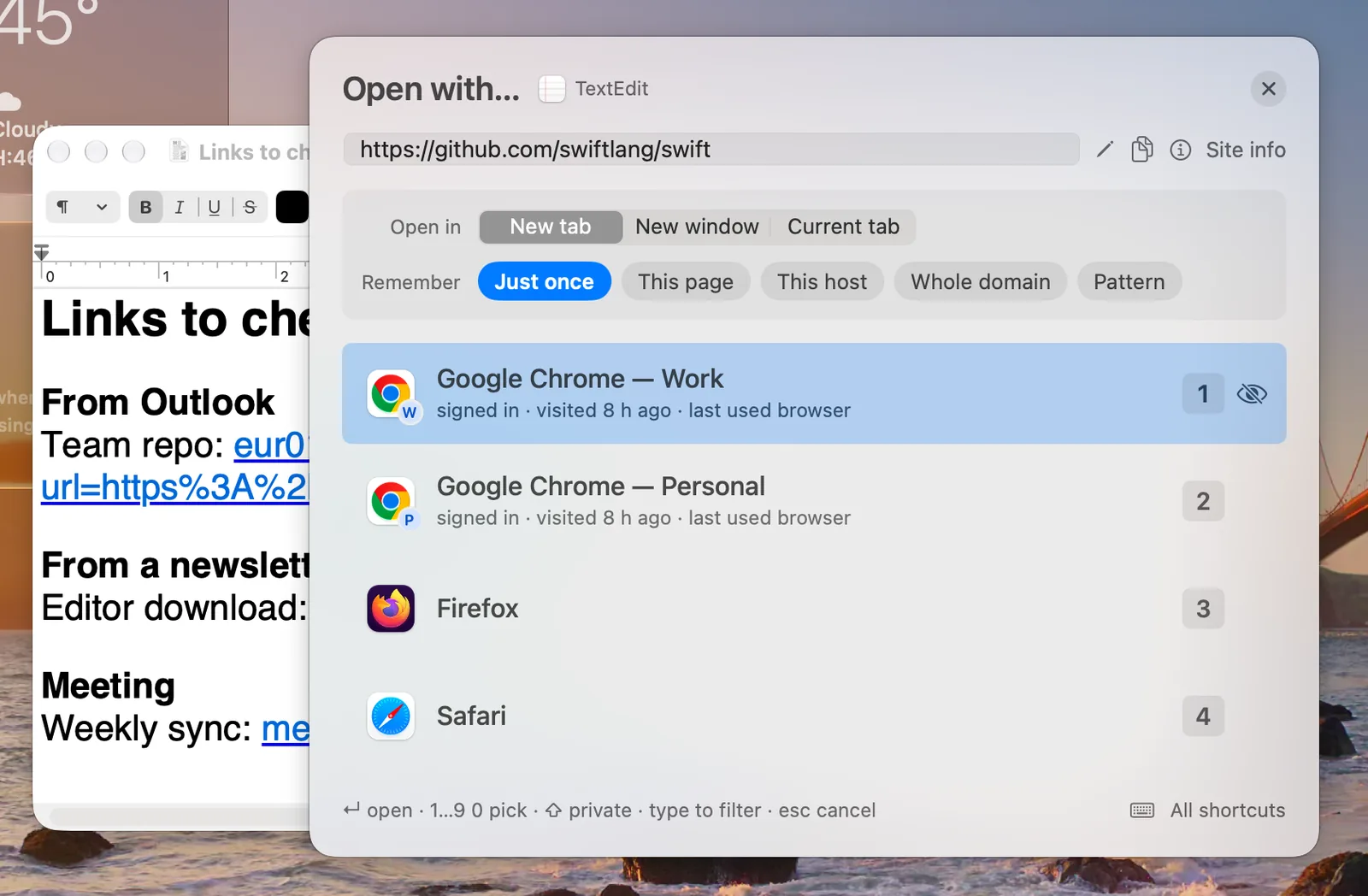
- Keep Unwrap redirect links on in Settings › Links (on by default).
- Click the Safe Link in Outlook, Teams or Mail.
- The picker shows the real address (here
github.com/swiftlang/swift) and routes it like any other link.
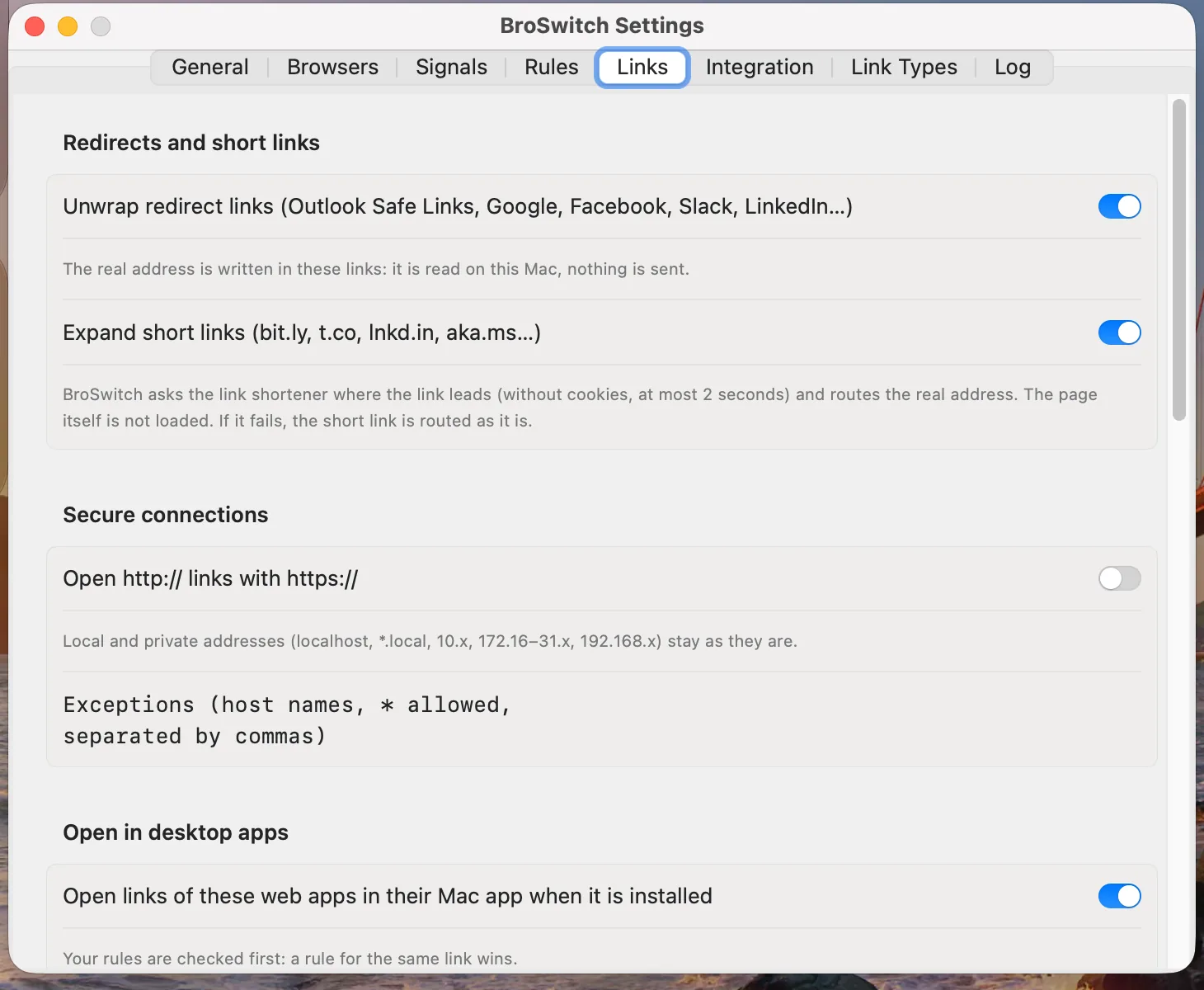
Also unwrapped: Google /url redirects, Facebook and Instagram l.php, Slack, LinkedIn, YouTube, Reddit, Steam, DuckDuckGo, VK and Bing redirects, up to five levels deep. No request is made.
Questions
- Does this bypass my company’s protection?
- The real address is in the link itself; BroSwitch reads it locally. Phishing checks still apply to the unwrapped address, and suspicious links are never opened automatically.